Hoot
A desktop music application exploring a focused way to manage and interact with a personal music library.
- Role
- Product Engineering
- Period
- 2022 — 2023
- Status
- Shipped
Overview
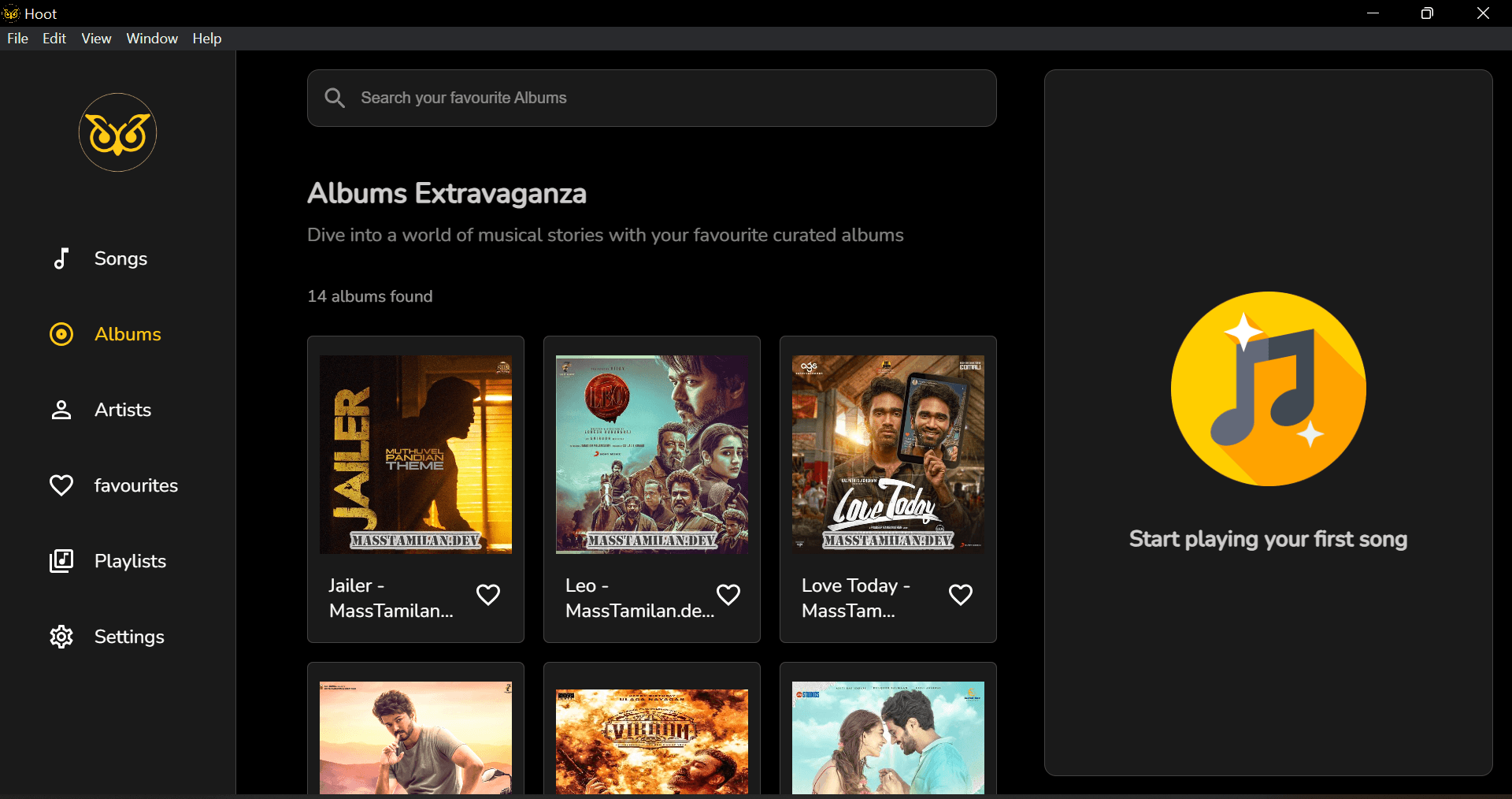
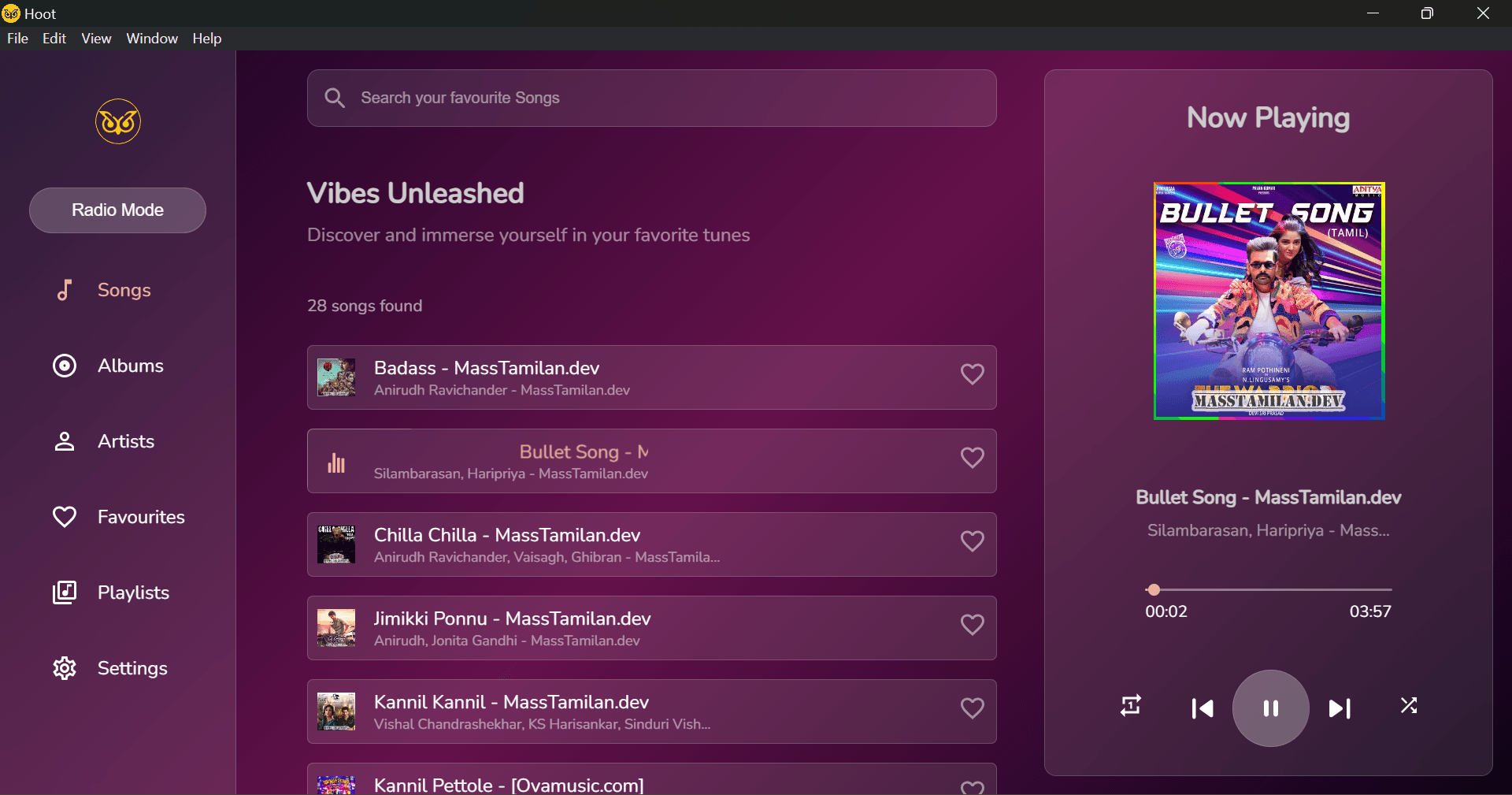
Hoot is a desktop music application built as an exploration of a focused music-library experience.
The problem
The project explored how a desktop application could combine a responsive interface with local data and a self-contained experience.
Design process
The interface was developed alongside the application architecture, with attention to the relationship between the desktop environment, local data, and the React-based UI.
Architecture
Built as an Electron desktop application using React, SQLite, and Redux Toolkit.
Engineering decisions
Trade-offs
No significant trade-offs called out for this project.
Challenges
Outcome
A working desktop application demonstrating product engineering across React, Electron, local data persistence, and application state.
Technology
Images
Motion
Motion wasn't a deliberate focus for this project.
Lessons learned
- Desktop applications introduce different constraints from browser-based products.
- Architecture decisions become more important as UI and local application state become tightly connected.
- A focused product experience benefits from keeping technical complexity away from the user.